
Home Inspection Report Forms for iPad
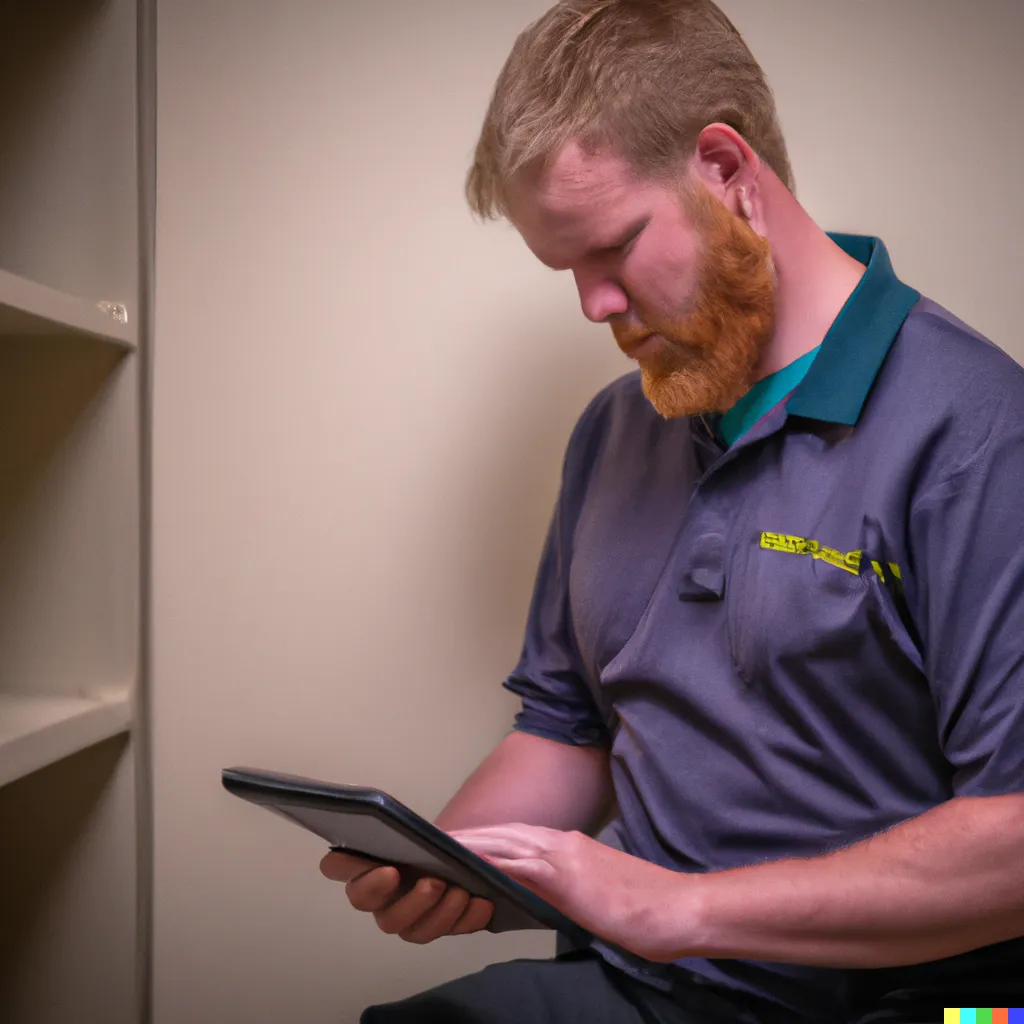
Scenario: Using FormConnect for a Home Inspection
David, a certified home inspector, is scheduled to inspect a potential buyer’s new home. Here’s how FormConnect can streamline his process:
- Pre-Inspection Preparation:
- Before the visit: David uses the FormConnect app to access the prepopulated inspection checklist specific to the house type and year of construction.
- The checklist:
- Includes standard inspection points for various areas like foundation, roof, plumbing, electrical, and interior finishes.
- Allows David to customize the form by adding specific inspection points relevant to the property.
- Efficient Inspection & Documentation:
During the inspection: David walks through the house, using the FormConnect app on his tablet to:
- Mark completed inspection points as “pass” or “fail” with accompanying notes.
- Capture clear photos of any issues or deficiencies he finds (e.g., cracks in the foundation, faulty wiring).
- Record voice notes for detailed observations or explanations.
- Seamless Report Generation:
- After the inspection: David uses the FormConnect app to: Automatically generate a professional-looking inspection report based on the completed checklist, photos, and notes.
- Customize the report with the client’s information, property details, and his company logo.
- Client Communication & Delivery:
- David can then: Email the completed report directly to the client from the app.
Benefits for the Home Inspector
Increased efficiency: Saves time by automating report generation and eliminating manual data entry.
Enhanced accuracy: Reduces the risk of errors by capturing data electronically and minimizing handwritten notes.
Professional presentation: Delivers a visually appealing and informative report to clients. Improved communication: Efficiently shares findings and allows clients to access the report easily.
Benefits for the client
Faster turnaround time: Receives the inspection report quickly and efficiently.
Clear and detailed information: Understands the condition of the property easily with photos and explanations.
Convenient access: Can access the report anytime, anywhere on any device.
Overall, FormConnect empowers home inspectors like David to work more efficiently, deliver a professional service, and provide a valuable experience for their clients.
Why inspectors outgrow paper and generic notes
- Room-by-room observations need photos and notes tied to the same report section.
- Clients expect a polished PDF the same day — not a retyped Word document overnight.
- Inspectors work in attics, crawlspaces, and homes with weak connectivity.
Clipboard walkthrough → professional PDF report
- Build or reuse an inspection template
Structure rooms, systems, and checklist items in the form designer on iPad.
- Inspect and document
Capture photos, annotations, and findings offline as you move through the property.
- Deliver the report
Export a PDF for the client and keep structured data for your records.
FormConnect features for home inspectors
iPad-first design & capture
Design and fill inspection forms on the tablet you carry on every job.
Photos in context
Keep images with the finding — not scattered in a camera roll.
Offline on site
Finish the inspection even when the property has no usable Wi-Fi.
Recommended edition
Solo home inspectors often choose FormConnect Pro or Pro+ for offline Apple capture and exports. Inspection companies that need multi-user sync typically choose ProMax. Learn about FormConnect Pro+ · View pricing
Related guides
Next steps for Home Inspections
FormConnect helps home inspections teams replace paper with offline-capable mobile forms. Explore the product that fits your workflow, compare plans, or talk with our team.
- Learn about FormConnect Pro+
- See FormConnect pricing
- Compare Pro, Pro+ & ProMax features
- Compare FormConnect with alternatives
- Browse all industry solutions
- Request a live demo
- Read the FormConnect FAQ
- Visit the FormConnections blog
Home Inspections FAQ
Can I build home inspection reports on an iPad?
Yes. Home inspectors use FormConnect to capture photos, notes, and observations room-by-room and export polished PDF reports.
Which FormConnect plan fits solo home inspectors?
Solo inspectors often choose FormConnect Pro or Pro+ for offline capture and exports. Teams that need multi-user sync typically choose ProMax.
Can inspection forms work without Wi-Fi in a home?
Yes. Offline capture lets inspectors finish documentation on site and export or sync afterward.
Can clients receive a PDF the same day?
Yes. Completed records can be exported as PDFs and shared by email or cloud drive depending on your FormConnect edition.